Should your restaurant QR code open a PDF or a mobile menu?
Compare a linked PDF with a structured mobile QR menu, including readability, maintenance, setup effort, and the situations where a PDF is enough.
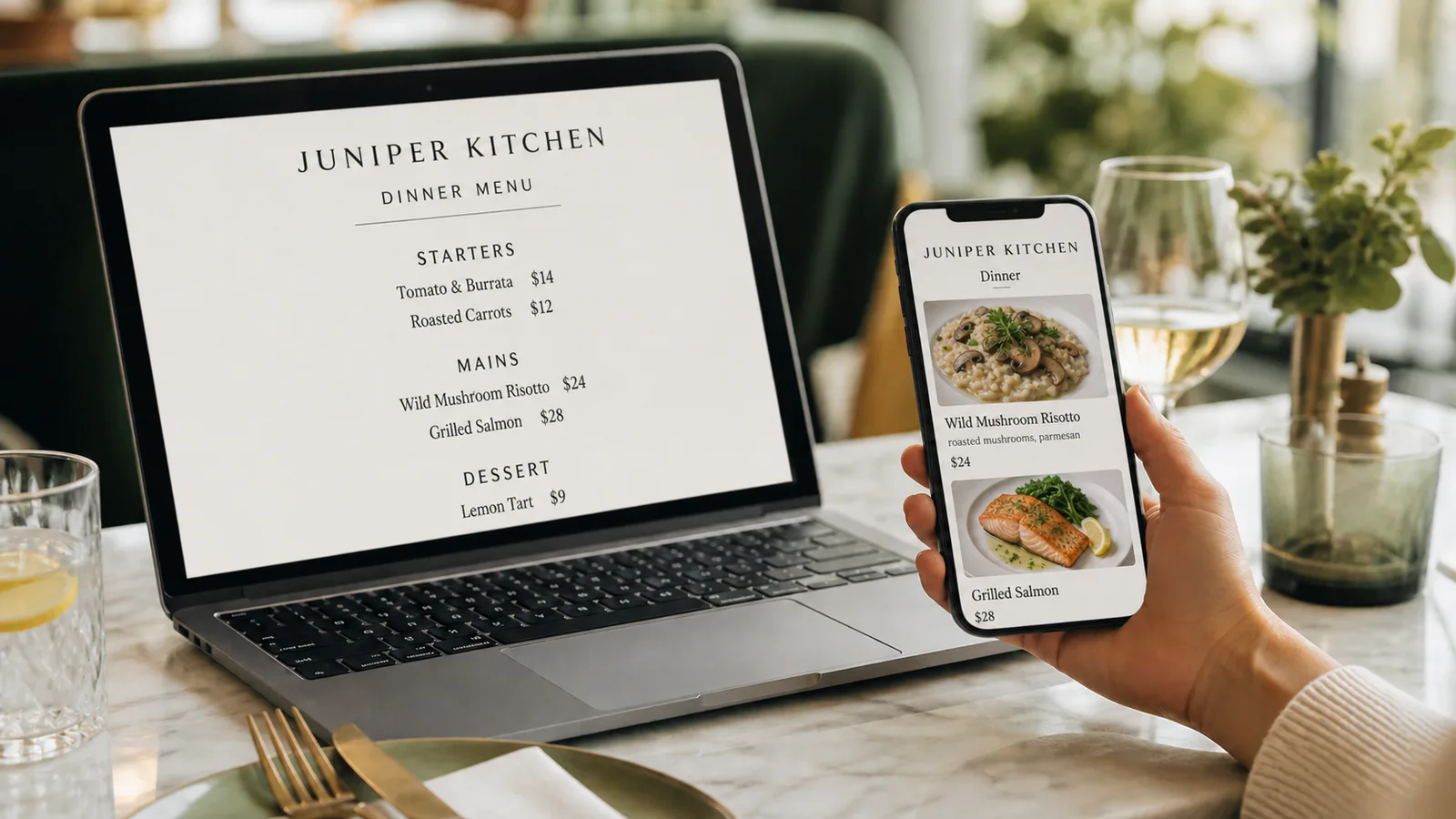
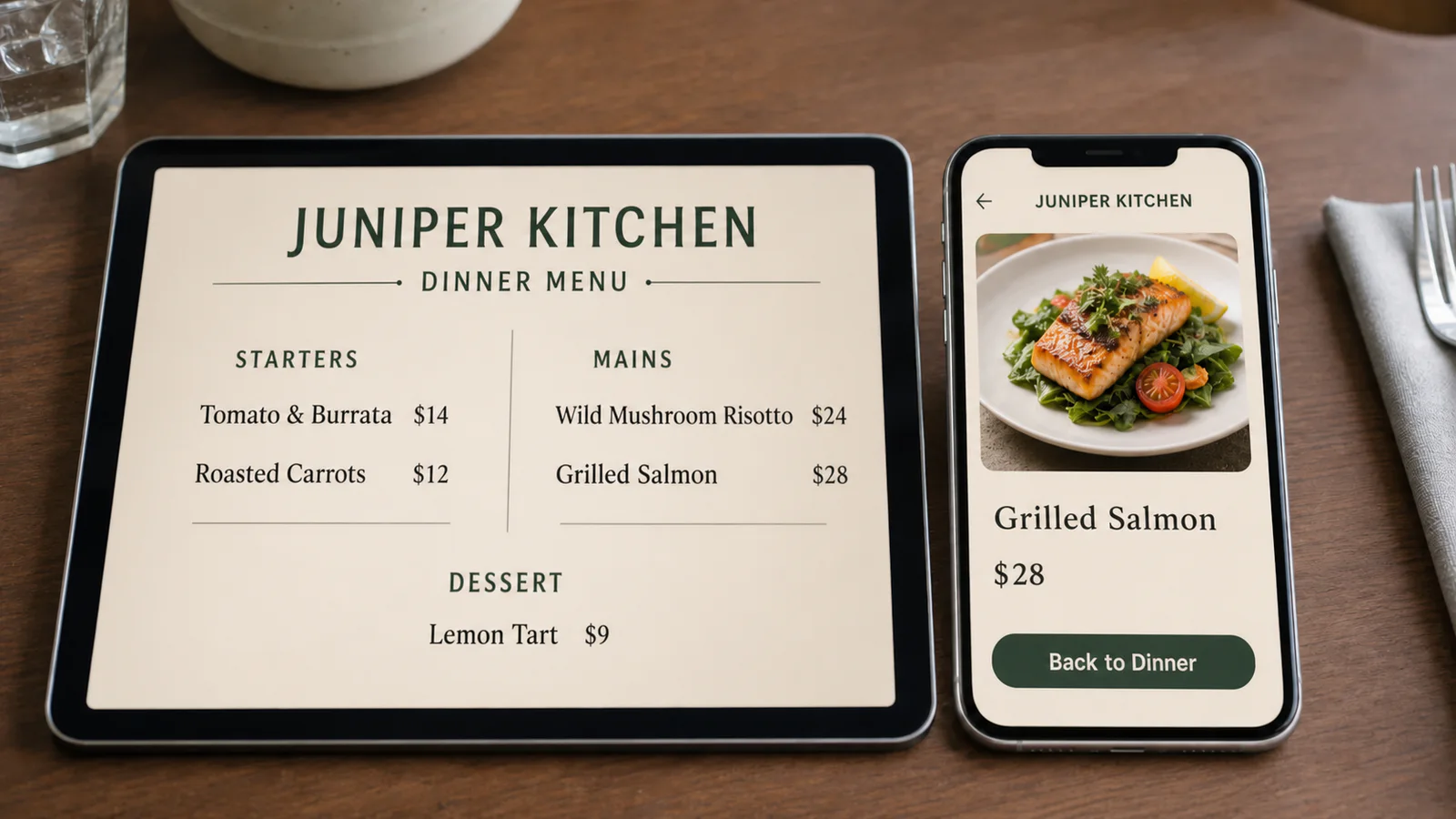
A PDF is adequate when the menu rarely changes, the document is already easy to read on a phone, and the team wants the lightest possible setup. A structured mobile menu is the better fit when guests need to browse without pinching and zooming, or when staff need to change dishes and prices without replacing the source document.
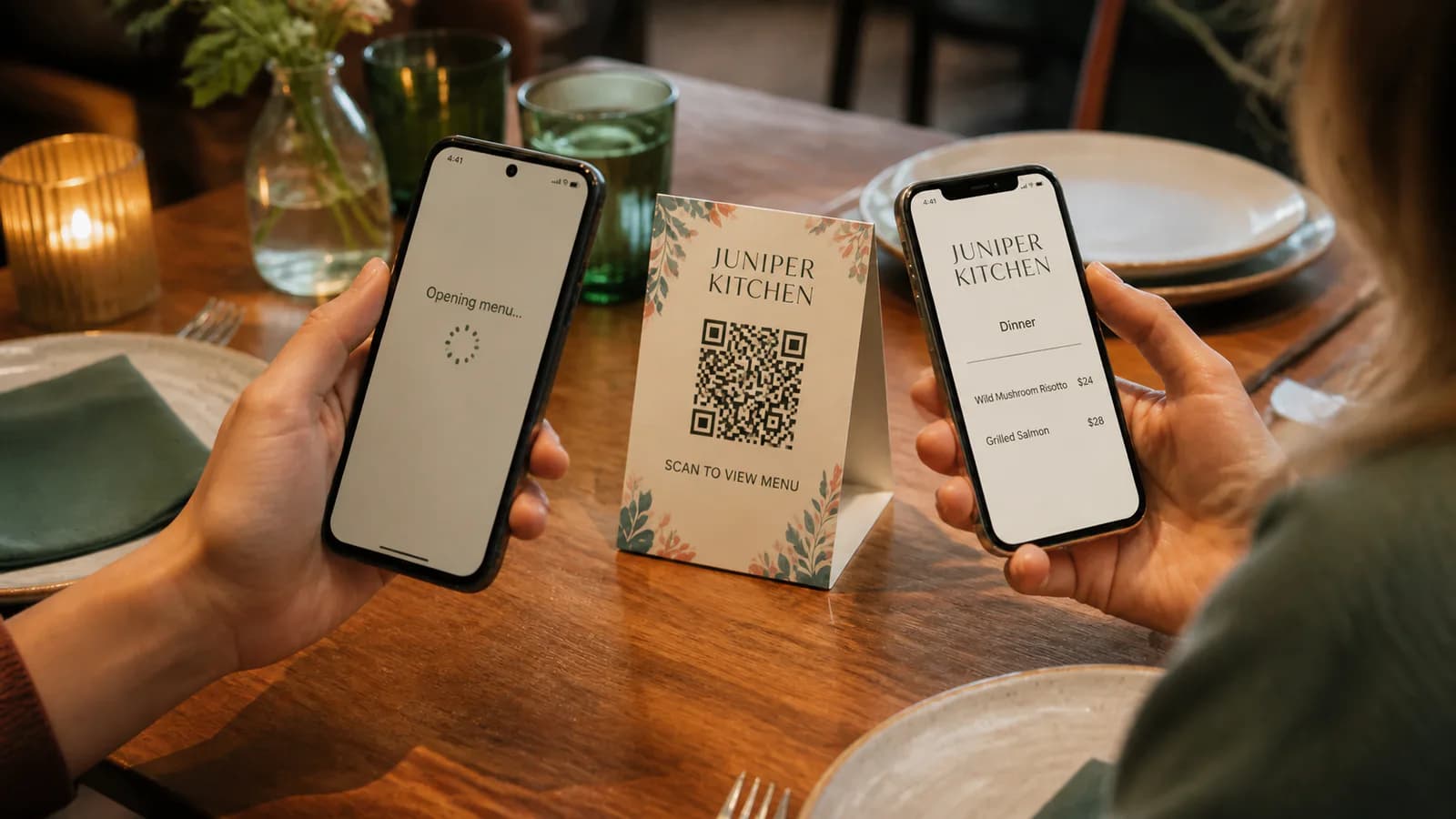
The QR code itself does not decide the experience. Its destination does.
The practical difference
| Question | QR code linked to a PDF | QR code linked to a mobile menu |
|---|---|---|
| What opens? | The original fixed-layout document | A webpage organized into categories and dishes |
| Phone reading | Depends on the PDF page size and design | Content can reflow to the screen width |
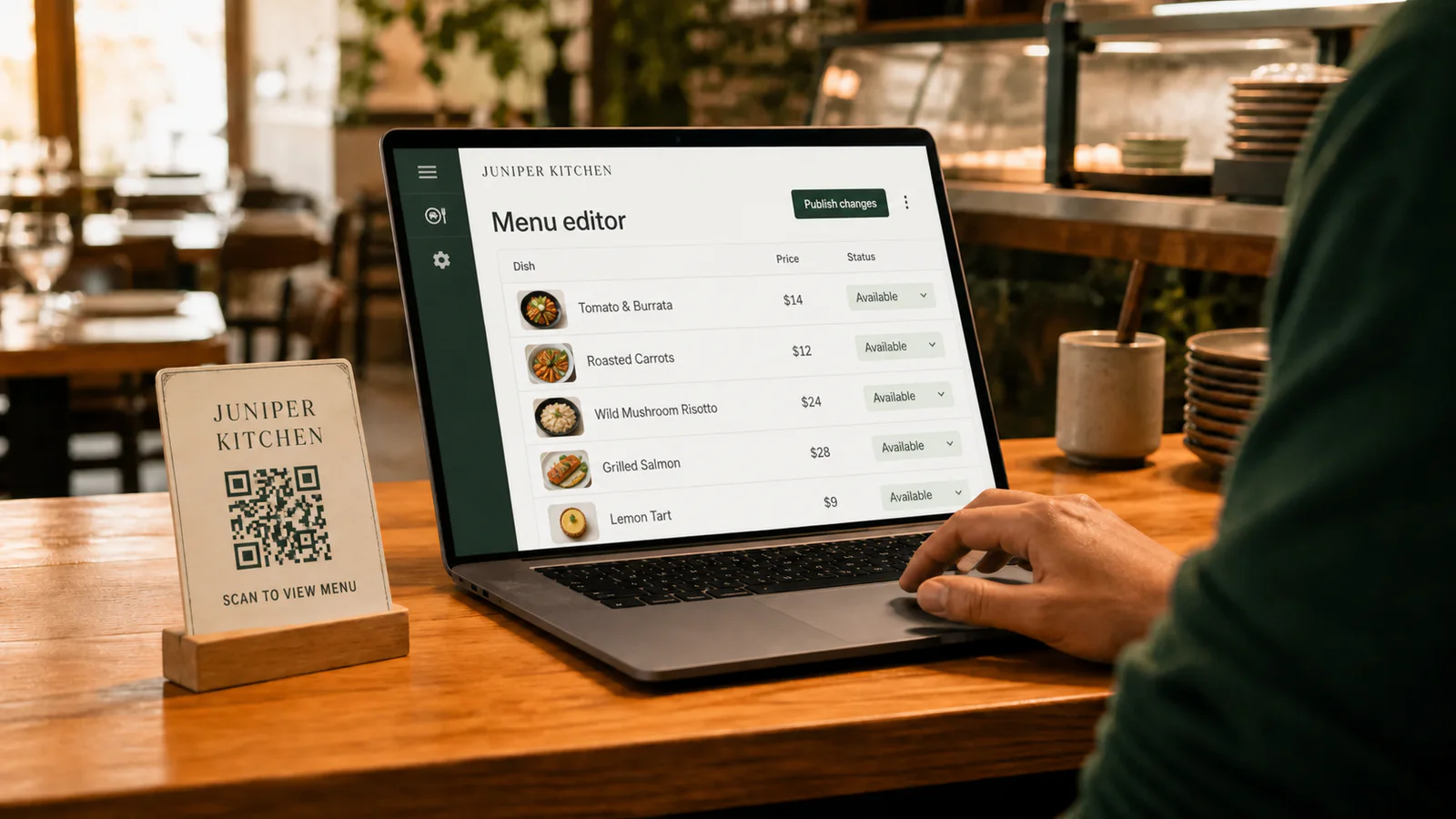
| Updating | Edit and export the PDF, then replace the hosted file | Edit menu fields and publish to the same address |
| Setup | Usually quick when a finished PDF exists | Requires import, review, and presentation choices |
| Search and navigation | Usually relies on the document viewer | Can provide browsable categories and structured dish details |
| Best fit | Stable, short, phone-readable documents | Frequently changing or detailed restaurant menus |
The accessibility principle behind the mobile distinction is straightforward: the W3C's reflow guidance explains why content that adapts without two-dimensional scrolling is easier to use at narrow widths. That does not make every PDF unusable, but it gives you a useful test: open the real document on a small phone and try to read a price without zooming.
When a PDF menu is enough
Keep the PDF approach when all of these are true:
- The document has large type, a simple single-column layout, and generous spacing.
- The menu is short enough that guests do not need to hunt through many pages.
- Prices and availability change infrequently.
- Someone has tested the hosted file on several real phones and browsers.
- Your team can reliably replace the file while preserving the destination URL.
A seasonal tasting menu, a one-page drinks list, or a temporary event menu can meet those conditions. Converting for the sake of converting adds work without necessarily improving the result.
When a mobile menu earns the extra setup
A structured mobile menu becomes useful when the source PDF has dense columns, small type, many categories, or frequent changes. Each dish can have its own name, description, price, variants, and reviewed dietary labels. Guests browse a page designed for the screen instead of navigating a print document inside a viewer.
Maintenance changes too. A restaurant manager can update a sold-out dish or price in the editor and publish it at the existing menu address. The table QR can continue pointing to that address. Read how to update a QR menu without reprinting for the exceptions that still require a new code.
Compare the complete workflow, not only the first upload
Before choosing, time these jobs with your own menu:
- Open the destination on a small iPhone and Android phone.
- Find a dish in the final category and read its price.
- Change that price, publish the update, and check both phones again.
- Ask a staff member who did not build it to repeat the task.
- Confirm that the printed QR still opens the intended public page.
The better format is the one the restaurant can keep accurate. A beautiful mobile page that nobody maintains is worse than a plain PDF with a dependable owner and update routine.
Moving from PDF to a structured menu
Qtable's PDF-to-QR menu workflow imports the document into editable categories and dishes rather than simply hosting it. The extracted result is a first draft: compare names, prices, variants, dietary notes, and category order against the source before publishing.
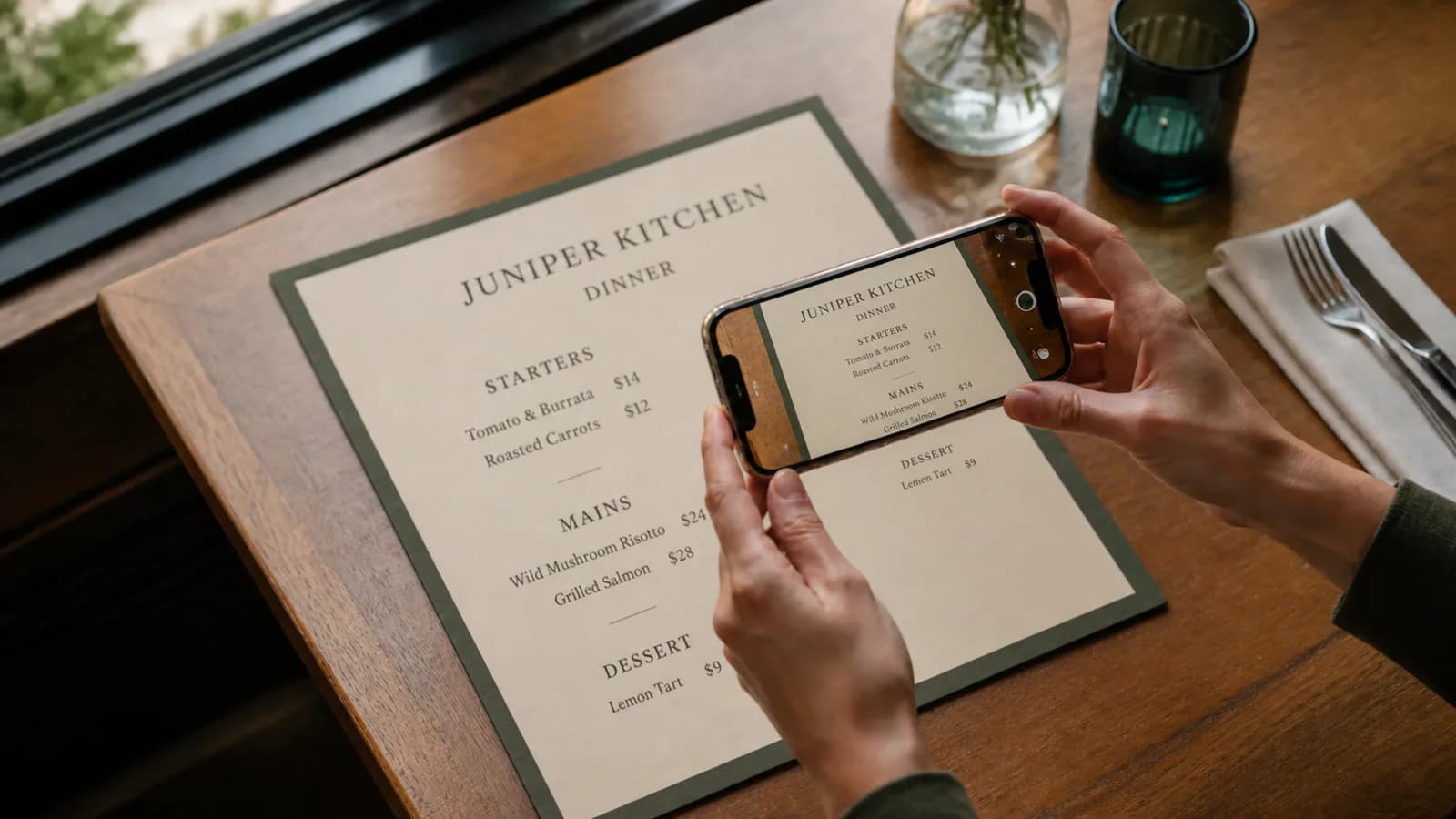
If the original is on paper instead, the companion guide explains how to turn a menu photo into an editable digital menu. Whichever source you use, finish with the restaurant QR menu launch checklist before ordering a full print run.
Ready to inspect the conversion path? Upload your menu and review the first draft.